

Use conversion to reduce the redraw, not skip the review
A raster-to-vector conversion can give you a useful foundation for Illustrator by rebuilding major shapes as editable paths. That saves time when the mark is simple, high contrast and already close to the intended form.
Brand-critical details still need judgment. Custom lettering, optical spacing, geometric symmetry and small negative spaces are worth reviewing against an approved reference instead of accepting any automated trace without inspection.
Clean the source before you open the paths
Remove background texture and use the clearest source you can find. A poorly cropped screenshot makes every later path harder to trust, while a high-contrast original makes the important edges obvious.
- Isolate the logo from photographs, mockups and drop shadows.
- Keep enough margin to see the logo’s intended negative space.
- Choose one trusted reference for proportions and letterforms.
- Keep the source image and the editable result as separate files.
Refine the decisions that make the brand recognizable
In Illustrator, inspect curves, corner transitions and repeated shapes. Simplify stray anchor points, repair uneven spacing and redraw any custom character that matters to the identity. The more visible the logo, the more useful that final human pass becomes.
Save an editable master before exporting a web SVG, transparent PNG or printer-specific delivery file. Those exports serve different jobs; they should not replace the source of truth.
See the conversion direction before you prepare the final file
A strong source image can be simplified into clear, high-contrast artwork. Treat the converted result as a production starting point: inspect it at the final size, then confirm the format and detail requirements with the next tool or vendor.

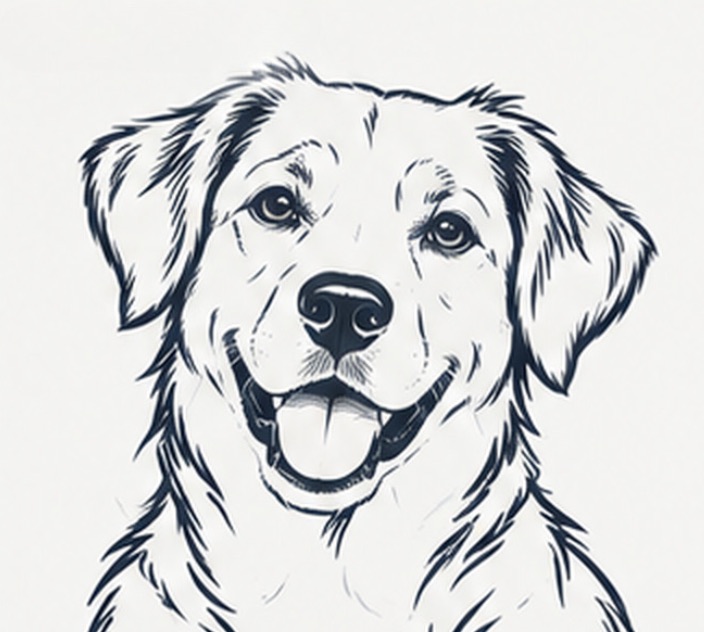
Example artwork illustrates a possible conversion direction. Detail, line weight and suitability depend on the source image and the intended workflow.
Production check before handoff
Illustrator is the right place to make brand-critical path and spacing decisions. Use the conversion to start faster, then compare against an approved reference before publishing or printing.
Convert an image- Conversion can rebuild major logo shapes into an editable starting point for Illustrator.
- Use a trusted reference to review typography, symmetry and negative space.
- Save an editable master before making web or vendor-specific exports.