Convert PNG, JPG, and WebP images to vector artwork.
InkVectors turns raster images into clean vector paths — crisp at any size, ready to print, cut, embroider or edit in Illustrator. Convert a PNG to SVG, vectorize a logo, or simplify a photograph into scalable artwork.
Convert an image to vector artwork
Drop an image and we'll carry it straight through to the workspace — you only sign in when it's time to convert.
Drop an image to vectorize
or
PNG-to-vector before and after
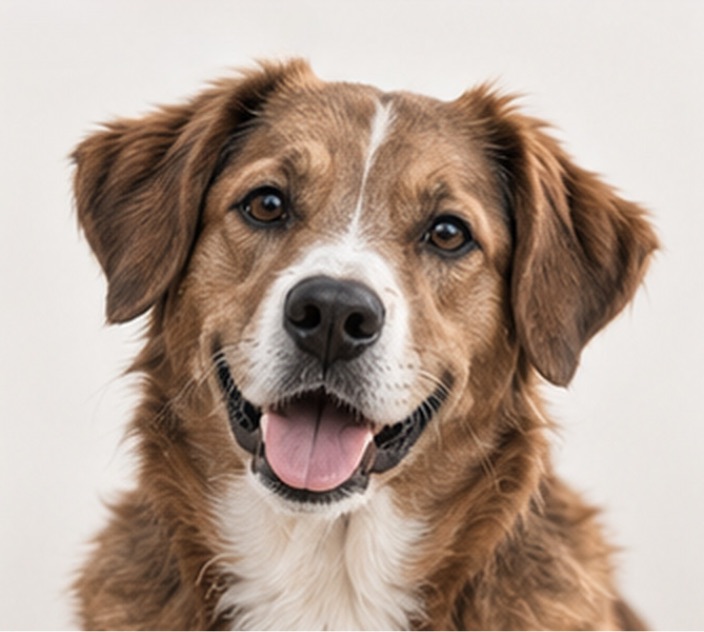
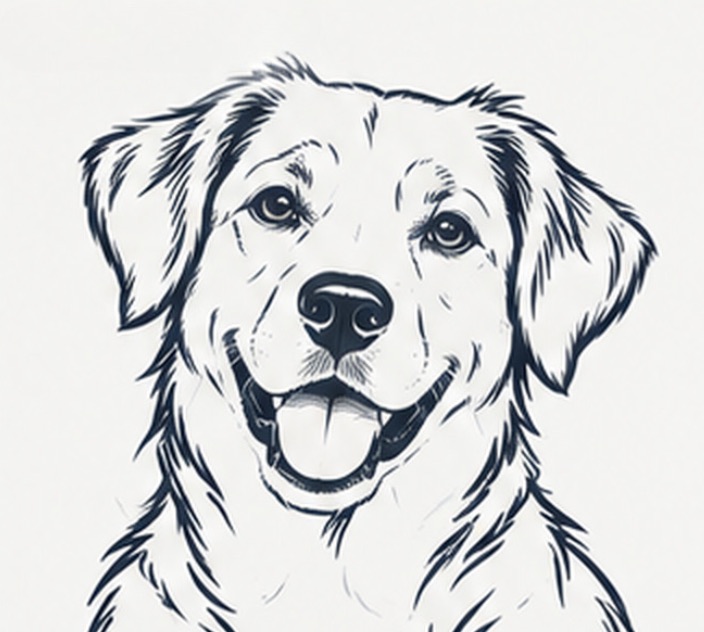
Unretouched results. Drag the handle to compare a raster source with the vector artwork InkVectors produced.
- Source
- Dimensions
- Output
- Cost
How it works
Upload a PNG, JPG or WebP
Start a raster-to-vector conversion with a file up to 50 MB. Large images are optimized in your browser before they're sent.
Choose Standard or Enhanced
Standard costs 100 credits and is right for logos and line art. Enhanced costs 250 and holds finer detail.
Download the result
PNG on every plan. Creator and Studio add an editable SVG that opens directly in Illustrator.
Standard or Enhanced
Two routes, one price you can see before you commit. Most images only need Standard — we say so on the screen rather than nudging you upward.
Standard
Clean shapes, fast. Logos, lettering, line art and simple portraits.
Enhanced
Holds finer detail. Photographs, group shots and busy illustrations.
What people make with it
InkVectors is used by individuals, small studios and production teams who need artwork that holds up at any size.
Portraits & gifts
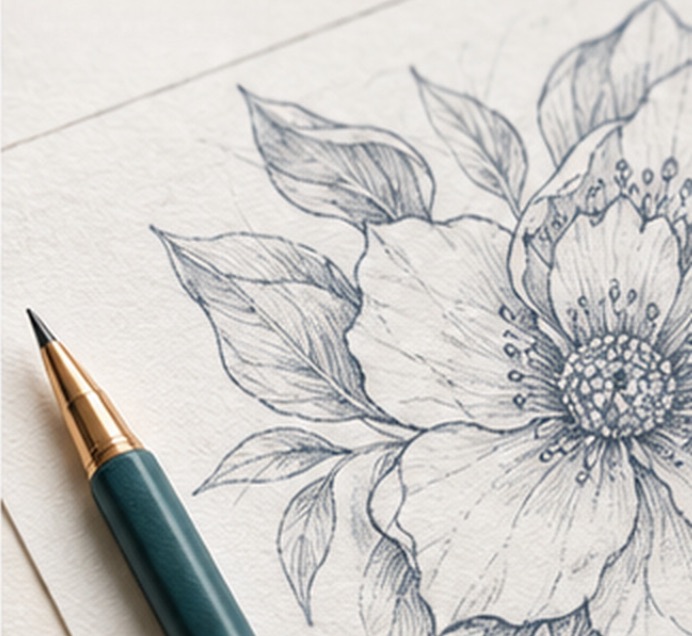
Line-art portraits from family photographs, ready to print at any size.
Logos & lettering
Rescue a low-resolution mark and get a clean, scalable shape back.
Signage & apparel
Vector paths cut, print and embroider without the blur of a raster file.
Product & catalogue art
Consistent line illustrations across a large product range.
Raster formats in
JPG, JPEG, PNG and WebP up to 50 MB. Oversized images are optimized in your browser before upload.
Vector formats out
- PNG — every plan
- SVG — Creator and Studio
- Opens in Adobe Illustrator
How long files last
7 days on Starter, 90 on Creator, 365 on Studio. The record stays in your History — reconvert to generate new downloads.
Simple pricing
Standard costs 100 credits, Enhanced 250. All prices in USD, billed monthly.
Starter
For trying out InkVectors.
$0/mo
500 credits / month
about 5 Standard or 2 Enhanced conversions
PNG only · 7-day retention
- Standard: 100 credits
- Enhanced: 250 credits
- PNG downloads
- 7-day download retention
Creator
For regular creative work.
$9.99/mo
5,000 credits / month
about 50 Standard or 20 Enhanced conversions
PNG + SVG (opens in Illustrator) · 90-day retention
- Everything in Starter
- PNG + SVG downloads
- Illustrator-compatible vector
- 90-day download retention
Studio
For frequent, high-volume work.
$24.99/mo
15,000 credits / month
about 150 Standard or 60 Enhanced conversions
PNG + SVG (opens in Illustrator) · 365-day retention
- Everything in Creator
- 365-day download retention
- Priority processing queue
Upgrades apply immediately once payment is confirmed. Downgrades and cancellations take effect at the end of the paid period.
Questions
What's the difference between PNG and SVG?
A PNG is a picture made of pixels — enlarge it far enough and it blurs. An SVG is made of paths, so it stays crisp at any size and can be edited in Adobe Illustrator, Figma or Inkscape. Starter includes PNG; Creator and Studio add SVG.
What does a conversion cost?
Standard costs 100 credits and Enhanced costs 250. Starter includes 500 credits a month, Creator 5,000 and Studio 15,000. Credits reset monthly and don't roll over.
What happens if a conversion fails?
If our system fails to produce a result, the credits for that job are restored to your balance automatically and we tell you in the notification.
How long can I download my files?
7 days on Starter, 90 days on Creator and 365 days on Studio. The record stays in your History after that — reconvert to generate new downloads.
What files can I upload?
JPG, JPEG, PNG and WebP, up to 50 MB. Anything larger than our server limits is automatically resized in your browser first.
Is the result in colour?
InkVectors produces high-contrast line and shape artwork rather than a full-colour trace. The examples on this page are unretouched results.
Which images work best for vectorization?
Logos, lettering, icons and high-contrast line art give us the clearest shapes to rebuild. Detailed photographs can still work, but the result is a simplified line-art interpretation rather than a pixel-for-pixel copy.
Can I turn a low-resolution logo into an SVG?
Yes. A clean, high-contrast logo is a strong fit for Standard conversion. Creator and Studio plans include an editable SVG, while every plan includes a PNG result.
Can I use the artwork for printing, cutting or embroidery?
The output is designed to stay crisp when scaled for production. Check the result at its final size before sending it to a printer, cutter or embroidery provider, especially for intricate source images.
Your first five conversions are on us.
500 credits every month on Starter — enough to see exactly what InkVectors does with your own images.
Convert PNG to SVG